
Clean text by identifying the source of the mess
A useful text cleaner does more than delete repeated spaces. Text copied from a PDF may contain hard line breaks and split words. Web copy can carry HTML entities, non-breaking spaces, or hidden format controls. Lists can contain repeated rows that look equal only after trimming. This cleaner makes each decision explicit, previews the exact output beside the source, and records which operations actually changed the text.
How to use the Text Cleaner without losing your source
Paste text directly or import a TXT, Markdown, CSV, JSON, HTML, or XML file up to 5 MB. The source remains editable and the clean preview updates locally in the browser. Start with Quick clean for ordinary spacing, Copied PDF for wrapped paragraphs, Web paste for markup, List cleanup for repeated rows, or Email thread for quote markers. A recipe is only a starting point: selecting or removing any operation creates a custom pipeline.
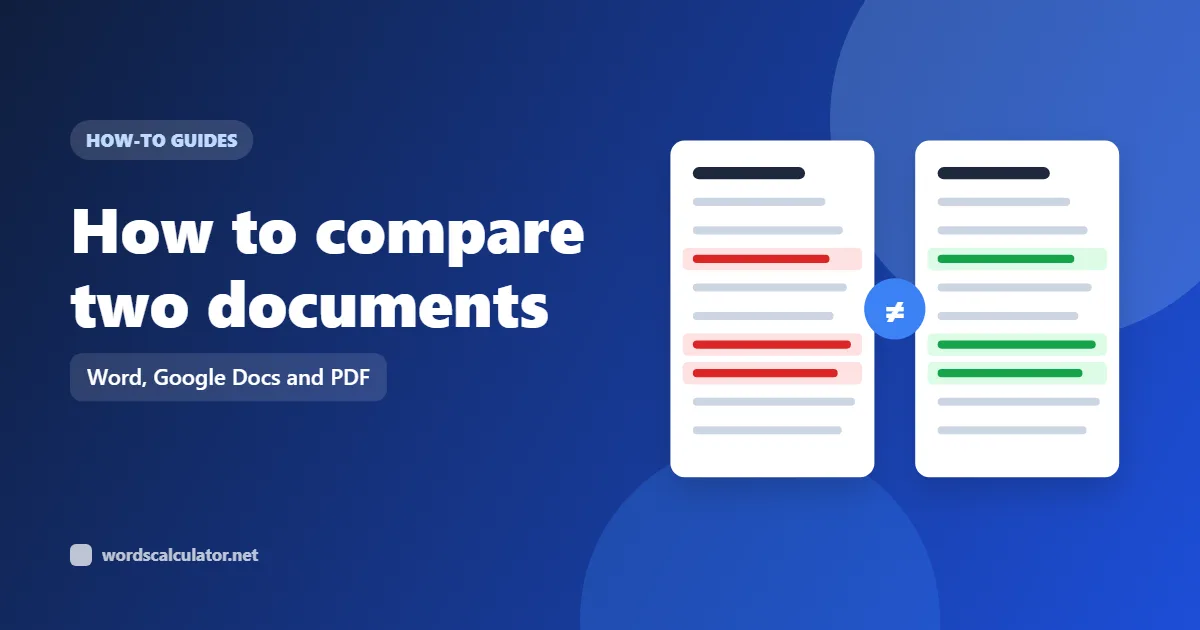
Read the source and output totals before applying anything. Character totals use visible grapheme clusters, while the audit also reports words, lines, whitespace, invisible controls, UTF-8 bytes, and duplicate lines. Open Changes when the finished paragraph looks plausible but you need to see the exact removed and inserted text. Color is supplemented with deletion and insertion markup so the review remains understandable without relying on red and green alone.
Apply cleanup replaces the source only after you choose it. The tool keeps a separate pre-clean snapshot, browser undo history, and session recovery. Copy result takes only the clean text. TXT does the same in a downloadable file; PDF and DOCX include both versions, measurements, and the operation audit; CSV records one row per step; JSON preserves the source, output, settings, metrics, and warning state for a reproducible workflow.
- 1Choose the source recipe
PDF copy, HTML, lists, and email need different repairs.
- 2Inspect changes and audit
Confirm the visible result and the effect of every operation.
- 3Apply or export deliberately
Keep the original snapshot and the method with the result.
Extra spaces, line breaks, and invisible marks are different problems
Whitespace is not one thing. An ordinary space, tab, line feed, non-breaking space, narrow non-breaking space, zero-width space, and word joiner can look similar—or completely invisible—while behaving differently during search, wrapping, validation, and copying. The online text cleaner therefore separates conversions that are often grouped under a vague remove whitespace button.
Trim both ends of lines removes indentation as well as trailing space, so it deserves a context warning. Remove trailing spaces preserves indentation. Collapse repeated spaces affects horizontal runs but leaves line breaks alone. Limit blank lines keeps paragraph boundaries, while Remove all blank lines deliberately discards them. The summary shows the whitespace difference rather than claiming every removed character was meaningless.
Zero-width joiner and zero-width non-joiner are not included in the ordinary hidden-spacing cleanup. They can shape emoji sequences and the joining behavior of scripts such as Arabic and Persian. Removing them is available as a separate structure-changing operation. Direction controls are separate for the same reason: they may be unwanted in pasted identifiers, but they can also carry intentional bidirectional layout information.
Clean copied PDF text, HTML fragments, and email replies differently
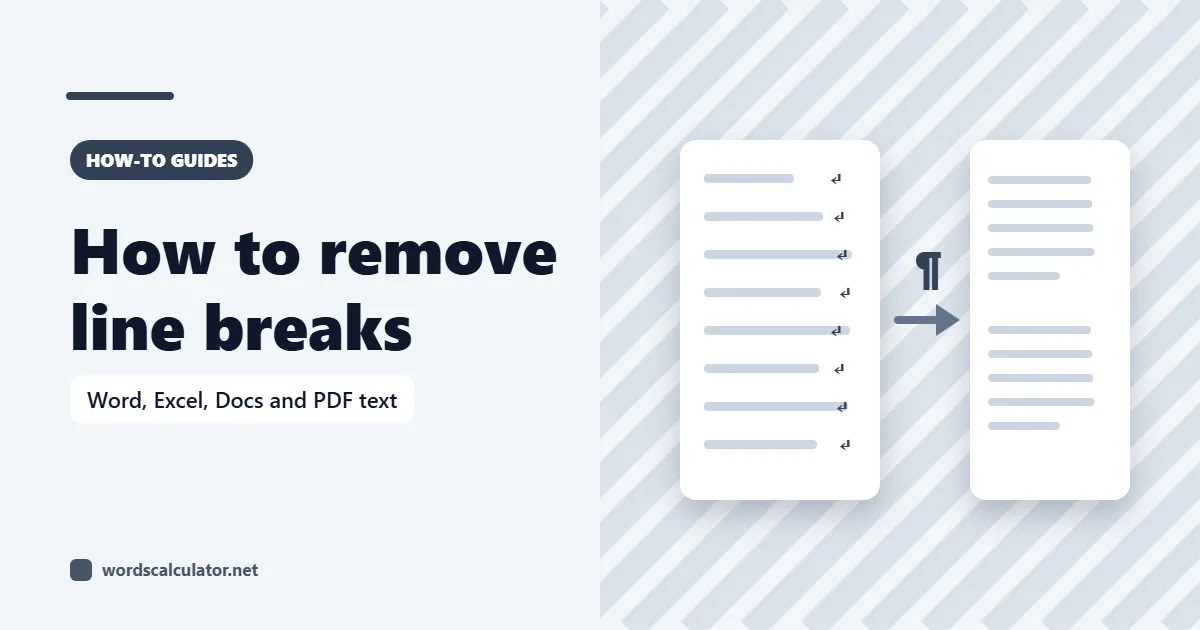
A PDF stores positioned page content, not necessarily the paragraph structure a reader sees. Copying from a text layer often turns every visual line into a hard break. Copied PDF joins single breaks inside a block while preserving blank-line paragraph gaps. It first repairs a conservative pattern: letters followed by a hyphen, a line break, and a lowercase continuation. The preview matters because a real hyphenated compound at a line ending can look like a split word.
HTML to text removes scripts, styles, templates, comments, and tags; it inserts breaks around common block elements before decoding numeric and common named character references. This is a cleanup aid, not a browser-quality HTML parser or article extractor. Angle brackets in ordinary prose can resemble tags, malformed markup has ambiguous recovery rules, and page navigation may remain if it exists in the supplied fragment. Use the Web Page Word Counter when the source is a public URL and extraction boundaries matter.
Email cleanup removes repeated greater-than quote prefixes without deleting the quoted sentences themselves. It does not attempt to identify signatures, legal disclaimers, or the boundary between a reply and an earlier message because those patterns vary by language and mail client. If only part of a thread should remain, select that part before cleaning or review the result in Changes.
| Source | Likely artifact | What to verify |
|---|---|---|
| Copied PDF | Hard wraps and split words | Headings, compounds, columns, and paragraphs |
| HTML fragment | Tags, entities, scripts, and block boundaries | Angle brackets, navigation text, and tables |
| Email thread | Repeated quote markers and spacing | Replies, signatures, and quoted context |
| Imported list | Blank rows, edge spaces, and duplicates | Case rules and whether repeats carry meaning |
Why cleanup pipeline order changes the answer
Pipeline order is observable. If HTML is stripped before entities are decoded, text inside the markup becomes available for later spacing rules. If duplicate lines are removed before trimming, two rows that differ only by edge spaces may survive unless duplicate matching itself is configured to trim. If line wrapping is removed before blank-line limits run, paragraph gaps remain available to the later step.
The Pipeline tab shows the exact sequence and lets keyboard and pointer users move any selected operation earlier or later. Each row says whether that step changed the current preview and displays its character and line delta. The Audit tab adds before and after character totals plus the changed span, which catches same-length substitutions that have a zero net delta.
Custom find and replace always runs last. Literal mode escapes punctuation before building the match. Whole-word mode uses Unicode letter and number boundaries instead of ASCII-only word characters. Regular-expression mode reports invalid or empty-matching patterns instead of applying a surprising result, and it is limited to 250,000 code units to reduce the risk of a costly expression freezing a very large draft.
- Confirm what one item or paragraph means before deduplicating.
- Run extraction before spacing rules when cleaning markup.
- Inspect zero deltas for same-length substitutions.
- Keep custom replacement last and validate its pattern.
- Export the audit when another person must reproduce the result.
Unicode normalization is not the same as removing strange characters
Unicode normalization matters because two strings can render alike while using different Unicode sequences. NFC composes canonically equivalent sequences where possible, helping copied names and accented text compare and travel consistently without intentionally folding presentation distinctions. The tool counts visible characters with grapheme segmentation so a base letter plus combining mark is not automatically presented as two reader-visible characters.
NFKC is broader. It can fold compatibility characters such as full-width forms, circled symbols, and some presentation variants into ordinary equivalents. Unicode explicitly warns that compatibility normalization can erase distinctions needed for round trips or meaning. That is why NFC belongs in the conservative recipes while NFKC is marked Review first and stays off until selected.
Typography controls are similarly separate. Straight quotes, ASCII hyphens, and three-period ellipses may be required by code, data imports, or a house style, but curly punctuation and em dashes are not inherently dirty. A professional text cleanup tool should make those conversions available without silently treating typographic writing as an error.
Method, limits, and private browser processing
Nothing typed into this page is submitted to the Words Calculator server. Cleaning, diff generation, imported-file reading, and standard TXT, CSV, and JSON downloads run in the browser. PDF and DOCX support is loaded only when requested. Session recovery uses the current browser tab; persistent device storage is enabled only when Remember this draft is selected.
The cleaner does not promise that every deletion is correct for every document. Code indentation, poetry lineation, tables, addresses, scripts that use joining controls, and legally significant exact text all require context. Keep structure-changing operations off until needed, review Changes, and preserve an export when another person needs to understand how the result was produced.
- Unicode UAX #15Canonical and compatibility normalizationOpen source
- Unicode UAX #29Grapheme, word, and sentence boundariesOpen source
- WHATWG HTML StandardParsing and named character referencesOpen source
- ECMAScript specificationString normalization and regular expressionsOpen source
Text cleaning questions
Practical answers about spacing, PDF copy, HTML, Unicode, regex, undo, and privacy.
How do I clean up text online?
Paste or import the source, choose a recipe, and inspect the clean preview. Add or remove individual operations when the recipe is too broad. Open Changes for an exact review, then copy, download, or apply the result. Processing runs in the browser without requiring an account.
Can the text cleaner remove extra spaces and blank lines?
Yes. Repeated horizontal spaces, trailing spaces, tabs, non-breaking spaces, and blank-line runs have separate controls. You can keep one or two blank lines, or deliberately remove all blank lines. Separate controls avoid flattening paragraphs when you only meant to fix spacing.
How do I clean text copied from a PDF?
Choose Copied PDF. It repairs conservative hyphen-plus-line-break patterns, joins single wrapped lines inside paragraphs, normalizes spacing, and preserves blank-line paragraph gaps. PDF extraction can be ambiguous, so verify compounds, headings, lists, and paragraphs in the Changes view before applying.
Can I remove duplicate lines while ignoring capitalization?
Yes. Choose consecutive duplicates or global duplicate removal, then set Duplicate matching to ignore letter case or match case exactly. Trim for matching can treat lines with different edge spaces as equal while preserving the first retained line's original spelling.
Does HTML to text extract the main article from a webpage?
No. It cleans a supplied HTML fragment by removing markup, scripts, styles, and comments, preserving common block breaks, and decoding supported entities. It does not fetch a URL or infer the main article. Use Web Page Word Counter for a public page and inspect its extraction report.
What are invisible characters, and should I remove them?
Invisible text can include zero-width spacing, word joiners, byte-order marks, joining controls, and bidirectional controls. Some are accidental; others affect emoji, script shaping, or direction. Safe hidden-spacing marks, ZWJ/ZWNJ, and bidi controls are separated so you can remove only the class you understand.
What is the difference between NFC and NFKC normalization?
NFC composes canonically equivalent Unicode sequences while preserving compatibility distinctions. NFKC also folds compatibility forms, which can change full-width, circled, or presentation characters. NFC is enabled in conservative recipes; NFKC is an explicit structure-changing choice.
Can I use regular expressions to clean text?
Yes. Enable Custom find and replace, select Regular expression, and enter a JavaScript-compatible pattern. Invalid patterns and patterns that match empty text are rejected. Regex replacement is capped at 250,000 code units; literal replacement remains available for larger text.
Can I undo text cleaning after applying it?
Yes. Applying creates a pre-clean snapshot and a browser undo point. Restore original returns directly to that snapshot. The live preview itself never changes the source, so you can revise rules and pipeline order safely before applying anything.
Is my text uploaded or stored?
No text is uploaded for this tool. Cleaning, comparison, imports, and exports run locally. Session recovery stays in the current tab. Long-term device storage is used only when you explicitly select Remember this draft on this device.