
Character counter guide
How a character counter counts spaces, emoji and bytes
In short
Paste or type your text and the character count updates as you go. The main number counts characters the way you see them, spaces included, so an emoji or an accented letter counts once. Right beside it you get the count without spaces, words, lines and the size in bytes. Switch the main measure to code points, UTF-16 units or UTF-8 bytes when a form or database counts differently. Nothing is uploaded.
- Main count
- Characters you can see
- Also shown
- No spaces, words, lines, bytes
- Largest input
- About 2 million characters
- Where your text goes
- Nowhere. It stays in your browser
How to count characters in your text
Type or paste into the box. The large number is your character count with spaces. The row underneath shows characters without spaces, words, lines and the UTF-8 size.
If you're writing to a limit, set a Maximum under Working range. The bar turns red when you go over, and the status tells you exactly how much to cut.
Over the limit? Use Copy within maximum to take just the part that fits, or Trim overflow to cut the rest. Cuts never split an emoji or an accented letter in half.
Open Unicode & encoding if a system rejected text that looked short enough. It shows all four measures side by side so you can see which one that system uses.
Character count with spaces vs without spaces
When a form, platform or teacher sets a character limit, they almost always mean characters with spaces. Every space, line break and punctuation mark takes up room, so they all count. That's the main number this counter shows.
Characters without spaces takes out spaces, tabs and line breaks (including non-breaking spaces) and keeps everything else, punctuation included. Some translation agencies and publishers quote with this figure, and some application forms ask for it. If the instructions don't say which one, assume spaces count.
How many characters is an emoji?
To you, 👍🏽 is one character. To a computer it can be 2 code points, 4 UTF-16 units or 8 bytes, depending on what's doing the counting. None of those numbers is wrong. They just measure different things, and that's why one tool says an emoji is 1 character and another says 4.
The table below is calculated by the same code the counter runs, so it matches what you'll see when you paste these examples in.
| Text | Visible | Code points | UTF-16 | UTF-8 bytes | What's going on |
|---|---|---|---|---|---|
cat | 3 | 3 | 3 | 3 | Plain letters: every measure agrees |
café | 4 | 4 | 4 | 5 | An accented letter is 2 bytes in UTF-8 |
| 👍🏽 | 1 | 2 | 4 | 8 | Thumbs up plus a skin-tone modifier |
| 👨👩👧👦 | 1 | 7 | 11 | 25 | Four people joined by invisible joiners |
| 🇵🇰 | 1 | 2 | 4 | 8 | A flag is two regional-indicator letters |
日本語 | 3 | 3 | 3 | 9 | Each Japanese character is 3 bytes |
- Visible characters
- What a reader sees. This follows the Unicode rules for “grapheme clusters”, so a letter with an accent, a flag or a family emoji counts as one.
- Code points
- The individual Unicode values inside the text. A skin-tone emoji is two: the emoji and the tone.
- UTF-16 units
- What JavaScript's length and many web forms count. Most emoji take two units, which is why a simple counter shows them as 2.
- UTF-8 bytes
- How much space the text takes in a file or database. English letters are 1 byte; accented letters 2; most Asian scripts 3; emoji 4 or more.
Character limits for tweets, texts and social posts
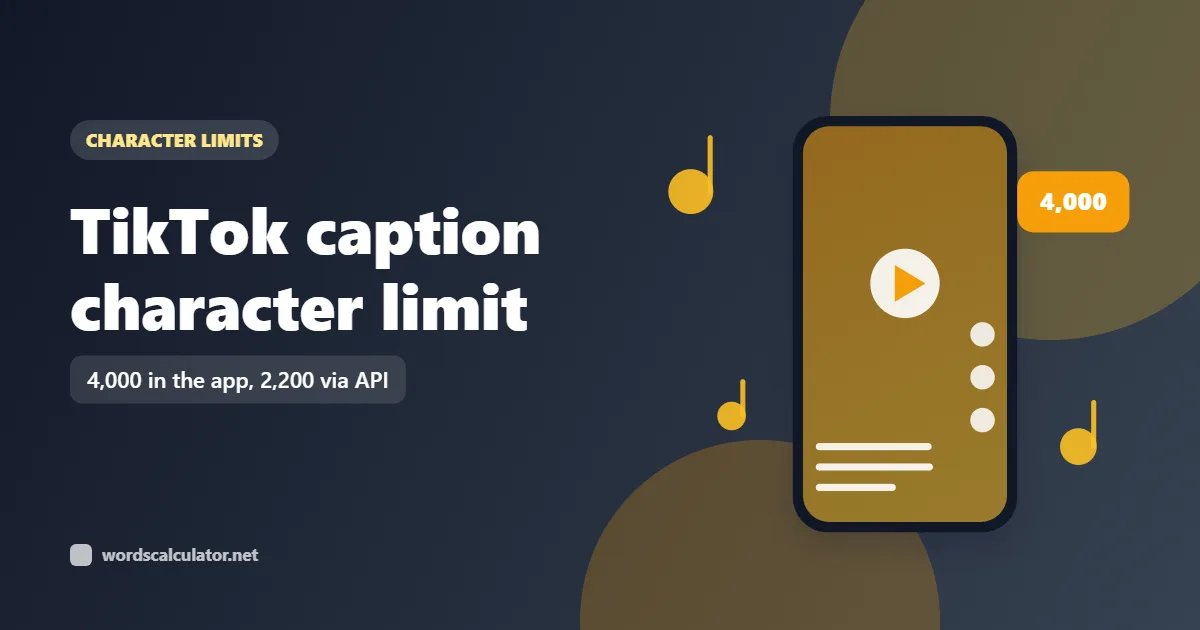
A standard post on X allows 280 characters, but X weights them: most emoji and every Chinese, Japanese or Korean character count as two, and any link counts as 23 however long it is. A plain character count can tell you a post fits when X will refuse it.
Text messages work differently again. A single SMS holds 160 characters when it only uses the basic GSM alphabet, but one emoji or curly quote switches the whole message to Unicode and drops the limit to 70. Longer messages are split into parts of 153 or 67 characters. This counter doesn't work out SMS segments, so check long messages with your SMS provider.
Letter and character frequency
The Character frequency tab lists the 12 characters you use most, with how often each appears and its share of the total. Spaces and line breaks are shown by name, and every entry has its Unicode code (U+0041 for A) so you can tell apart characters that look the same, like a normal space and a non-breaking one.
Uppercase and lowercase are counted separately, so A and a are two entries. It's useful for puzzles, cipher homework and spotting a stray character that shouldn't be there.
Your text stays on your device
Counting runs in your browser. The text isn't sent to Words Calculator or anyone else, and a copy stays only in the open tab so a reload doesn't lose it. Tick “Remember this draft on this device” if you want it kept after you close the tab; it's still stored only on your device.
Common questions
Do spaces count as characters?
Yes, in almost every character limit. A space takes up room just like a letter, so the main count includes spaces, tabs and line breaks. The count without spaces is shown separately for the few cases that ask for it.
How many characters is an emoji?
It depends on who's counting. On screen it's one character, and that's how this counter shows it. Behind the scenes a thumbs up with a skin tone is 2 code points, 4 UTF-16 units and 8 bytes. X counts most emoji as 2.
How many characters can a tweet have?
280 for a standard post on X, using X's weighted count: links count as 23 and most emoji and CJK characters as 2. Subscribers to X Premium can post up to 25,000 characters.
How many characters are in a text message?
One SMS holds 160 characters if it only uses the basic GSM character set, or 70 if it contains any emoji or other Unicode character. Longer messages are sent in parts of 153 or 67 characters.
What's the difference between characters and letters?
Characters include everything: letters, digits, spaces, punctuation and symbols. Letters are only the alphabet part. The Overview tab shows letters, digits, whitespace and symbols separately.
How do I get a letter count?
Paste your text and open the Overview tab. It splits the character count into letters, digits, whitespace and symbols, so the letters figure is your letter count with spaces, numbers and punctuation left out.
Why does another counter give a different number?
Most likely it counts UTF-16 units or bytes instead of visible characters, which makes emoji and some accented letters count as 2 or more. Switch the primary measure here to UTF-16 or UTF-8 and the numbers should match.
How many bytes is a character?
In UTF-8, between 1 and 4 bytes per code point. Basic English letters and digits are 1 byte, accented Latin letters 2, most Chinese, Japanese and Korean characters 3, and emoji 4 or more.
Can I cut my text to an exact character limit?
Yes. Set the maximum under Working range, then use Trim overflow or Copy within maximum. The cut always lands between characters, so it won't break an emoji or leave half an accented letter.
Does this character counter work for other languages?
Yes. It counts by Unicode rules, so Arabic, Hindi, Chinese, Japanese and other scripts are counted as their readers see them. The editor also follows right-to-left text automatically.
Is there a length limit?
The box accepts about 2 million characters (emoji take up a little more of that allowance), which is far longer than most books. Very long text can take a moment to update.
Sources
- Unicode Text Segmentation (UAX #29), grapheme clustersUnicode Consortium
- String: lengthMDN Web Docs
- Counting charactersX Developer Platform
- What is the SMS character limit?Twilio